
Microsoft Teams Rooms
Design, deploy and support meeting rooms that work seamlessly for in-room and remote teams, all built on Microsoft Teams.
- Create consistent, reliable meeting experiences across every room and location
- Reduce friction for users and ongoing support overhead for IT
- Enable productive hybrid meetings without complex setups
- Standardise meeting room technology at scale, with confidence
- Integrate natively with Microsoft 365 and your existing environment

X+ Microsoft Teams Rooms deployed across Australian organisations

Microsoft Teams Rooms creates simple, consistent meeting experiences by combining Microsoft Teams with purpose-built, certified room technology.
Many organisations deal with meeting rooms that work differently from one space to the next, creating friction for users and unnecessary support burden for IT.
Microsoft Teams Rooms are designed for organisations using Microsoft 365 that want standardised, secure meeting spaces across multiple rooms or locations.
ASI designs and delivers Teams Rooms solutions that are right-sized for your environment, covering device selection, deployment, user enablement, and ongoing support.
How ASI delivers Microsoft Teams Rooms
ASI designs and delivers Teams Rooms using certified hardware and a structured approach that prioritises consistency, usability, and long-term support across every meeting space.
ASI starts by understanding how your rooms are used, the types of meetings being run, and the experience you want to standardise. This allows us to design room profiles that are right-sized, repeatable, and scalable across your organisation.
We work with Microsoft-certified Teams Rooms devices to ensure reliability, security, and seamless integration with Microsoft 365. This approach simplifies management, supports remote monitoring, and avoids the risk that comes with unsupported or mismatched hardware.
ASI handles installation, configuration, and integration so rooms are ready to use from day one. We also provide practical training for users and IT teams to support adoption and reduce ongoing support effort.
Our support does not stop once rooms are live. ASI provides ongoing support, optimisation, and lifecycle guidance to keep meeting rooms performing reliably as your environment, usage, and technology evolve.
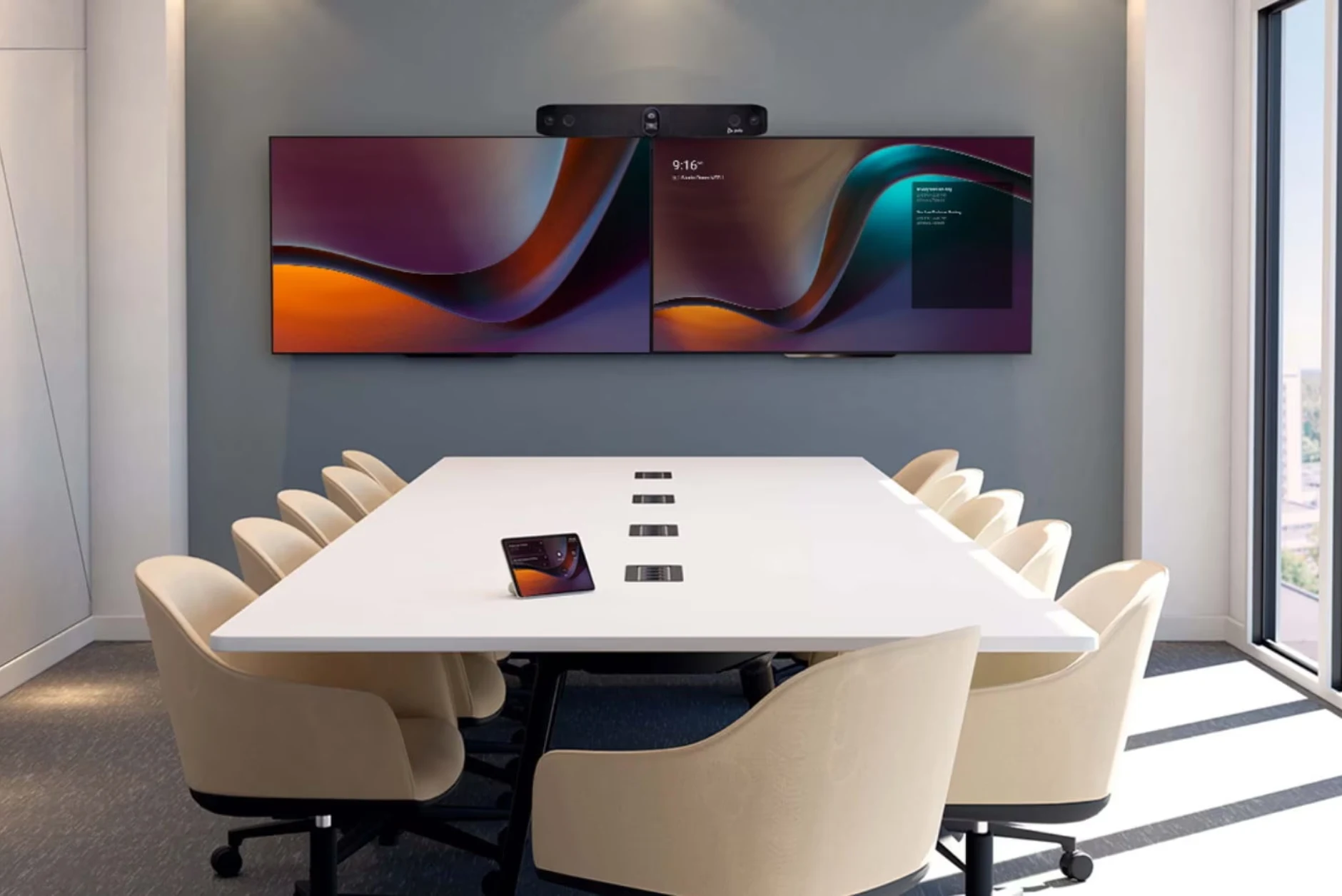

Not sure which Teams Rooms setup is right for your spaces?
Talk to ASI about your meeting rooms and we’ll help you design a Microsoft Teams Rooms solution that fits your environment, usage, and scale.
Better meetings, without the complexity
Microsoft Teams Rooms improves more than how meetings look and sound. When deployed properly, it removes friction from collaboration, reduces operational overhead, and creates confidence in how teams meet every day.
Consistent meeting experiences
Create the same intuitive meeting experience in every room, so users know exactly how to join, share, and collaborate without confusion or support calls.
Better hybrid collaboration
Support inclusive, productive meetings for in-room and remote participants, with audio, video, and content sharing designed for hybrid work.
Reduced IT support effort
Standardised rooms and Microsoft-native management reduce troubleshooting time, simplify support, and ease the ongoing burden on IT teams.
Secure, Microsoft-native design
Protect meetings with enterprise-grade security built into Microsoft Teams and Microsoft 365, without relying on unsupported third-party platforms.
Scalable across rooms and locations
Roll out Teams Rooms consistently across offices, campuses, and sites, with a design that scales as your organisation grows or changes.
Long-term visibility and control
Maintain visibility over meeting room performance, usage, and lifecycle so spaces continue to deliver value over time.

Frequently Asked Questions
Microsoft Teams Rooms uses Microsoft-certified devices such as cameras, microphones, speakers, touch controllers, and displays, selected based on room size and usage requirements.
Microsoft Teams Rooms is a Microsoft-native meeting room solution that combines Teams software with certified room hardware to deliver a consistent, secure meeting experience across physical meeting spaces.
Yes. Microsoft Teams Rooms is designed specifically for hybrid meetings, supporting inclusive collaboration between in-room and remote participants through optimised audio, video, and content sharing.
Microsoft Teams Rooms can be standardised across different room types and locations, making it easier for users to join meetings and for IT teams to manage environments consistently at scale.
Microsoft Teams Rooms integrates natively with Microsoft 365, including Teams, Outlook, and identity and security services, enabling centralised management and enterprise-grade security.
Yes. ASI provides ongoing support, optimisation, and lifecycle guidance to help organisations keep their Teams Rooms reliable, usable, and aligned to changing needs over time.
Ready to simplify your meeting rooms?
Talk to ASI about Microsoft Teams Rooms and get clear, practical advice on how to design, deploy, and support meeting spaces that work reliably for your teams.